

Jerry for iPhone

Save it once.
Find it when it matters.

Jerry turns the posts, links and screenshots you save into a personal library you can actually use.

Save from the apps you already scroll

Instagram TikTok YouTube Pinterest Reddit X Threads Facebook LinkedIn Screenshots Websites

How it works

How Jerry works

01

Share it to Jerry.

See something worth keeping? Tap Share in Instagram, TikTok, YouTube or your browser and send it to Jerry. Screenshots work too.

02

Jerry pulls out what matters.

A reel about a ramen spot becomes a place with its details. A cooking video becomes a recipe with ingredients. A messy post becomes a clean card.

03

Find it when it matters.

Browse your saves by type, keep them in Topics, see your places on a map, or just ask Jerry.

One library, many shapes

Every save gets the page it deserves.

Jerry knows a recipe from a restaurant from a book, and lays each one out the way you'll use it.
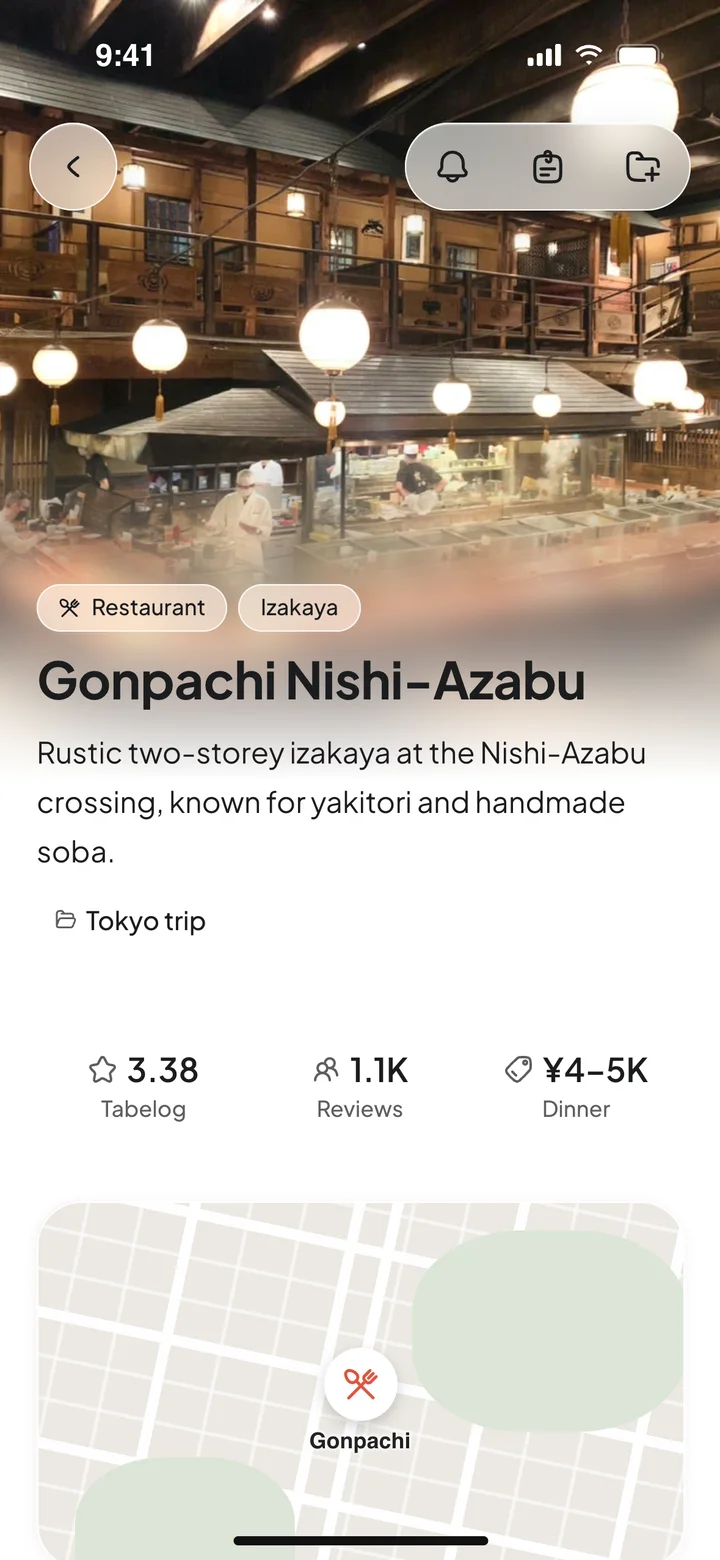
A saved Tokyo restaurant in Jerry with its details
Places with the details
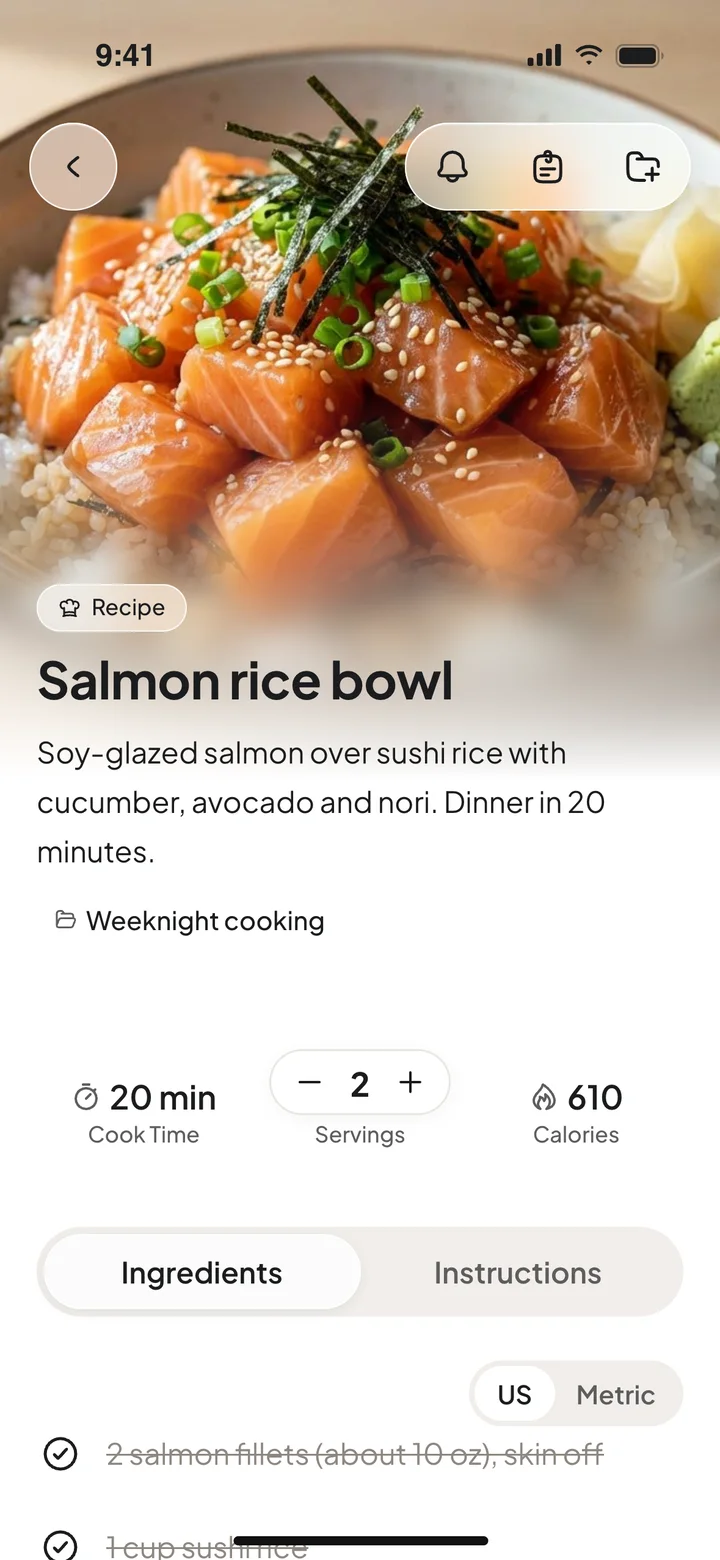
A saved recipe in Jerry with servings and ingredients
Recipes ready to cook
A saved movie in Jerry
Movies & TV for later
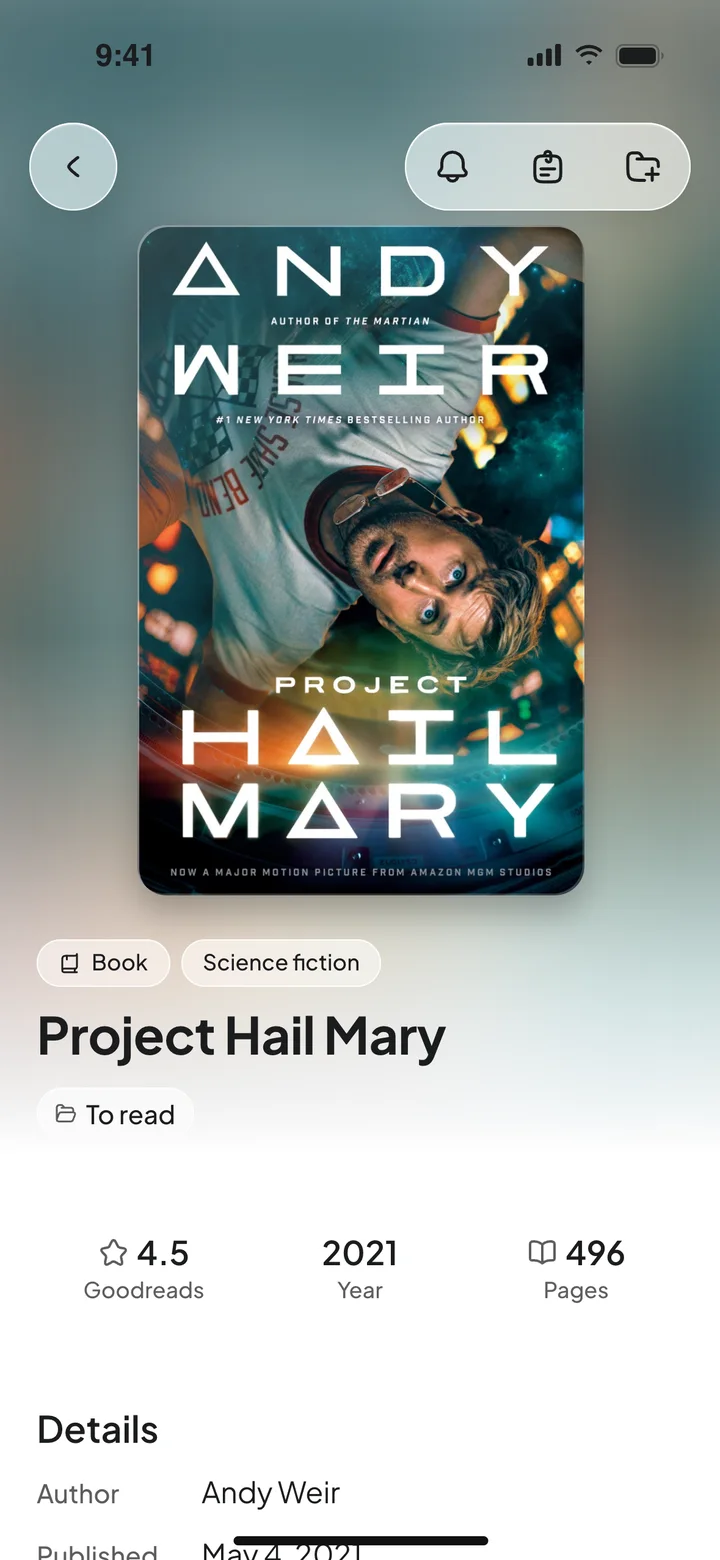
A saved book in Jerry
Books to read next
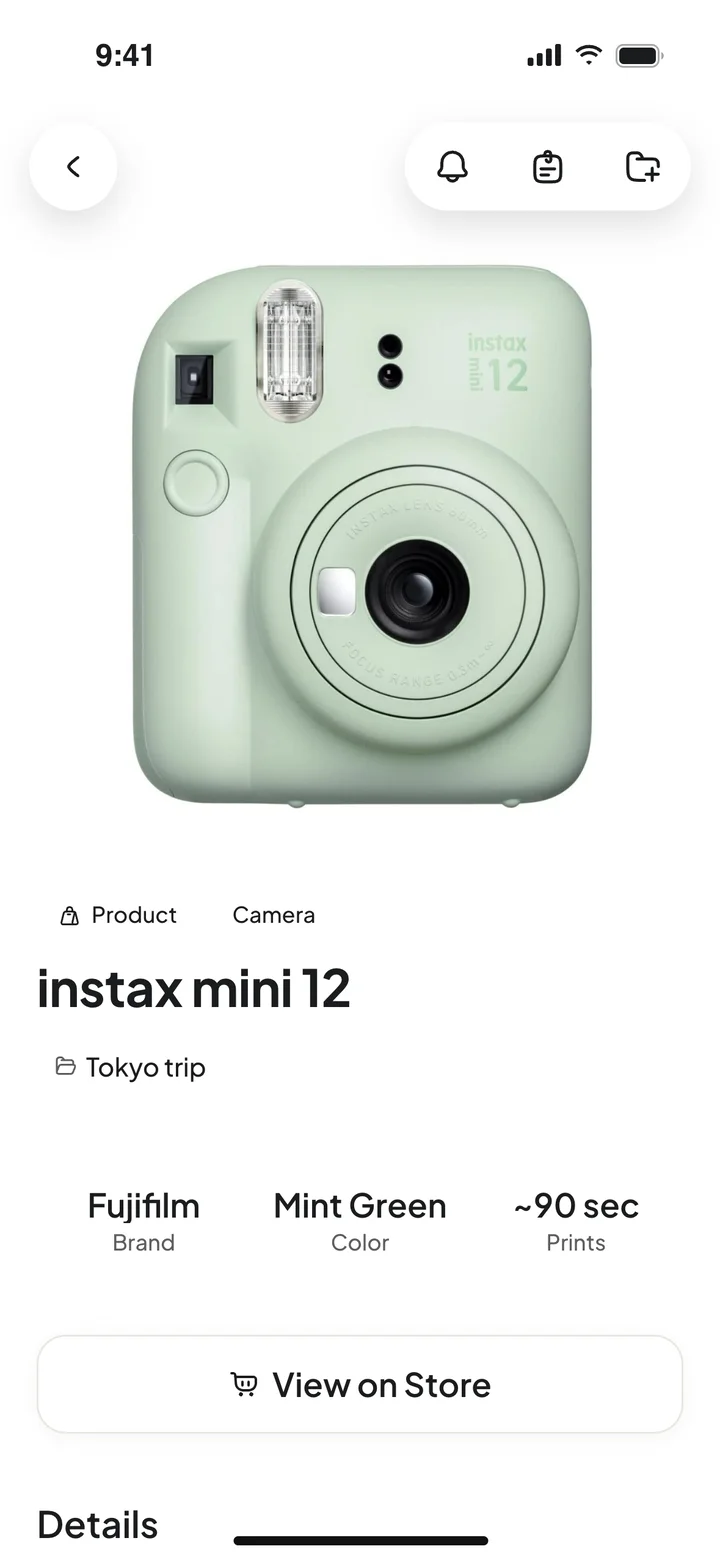
A saved product in Jerry
Products you had your eye on
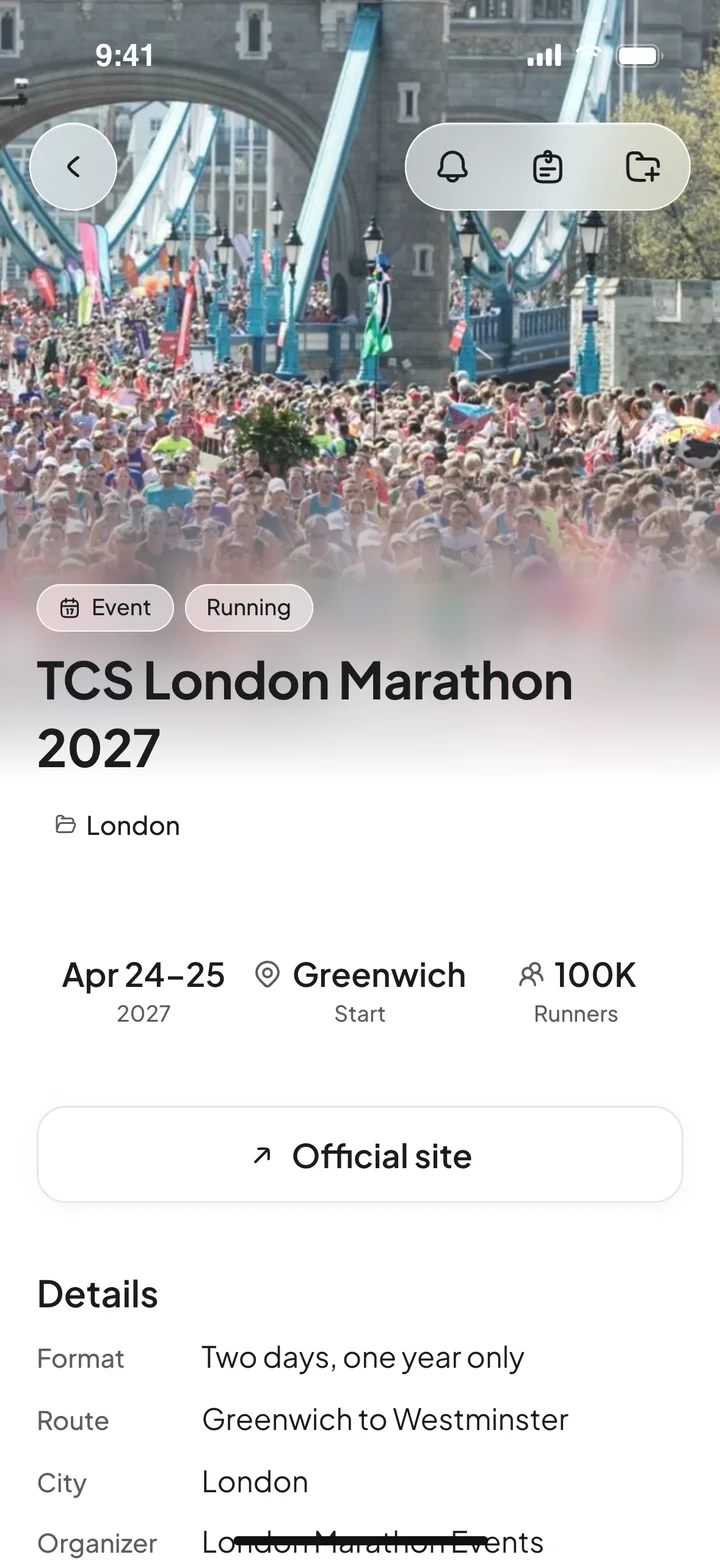
A saved event in Jerry
Events you meant to go to
A saved workout in Jerry
Workouts step by step
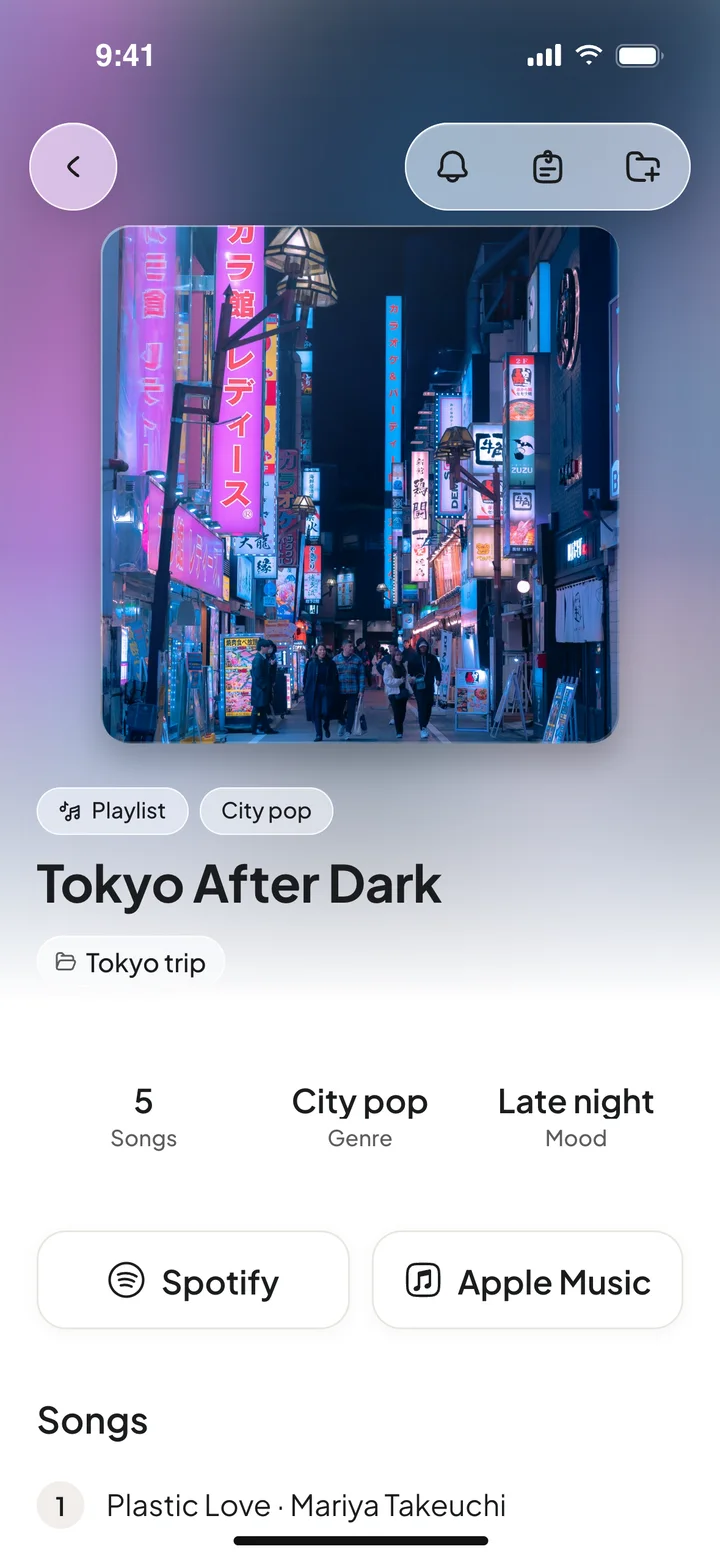
Saved music in Jerry
Music to play later

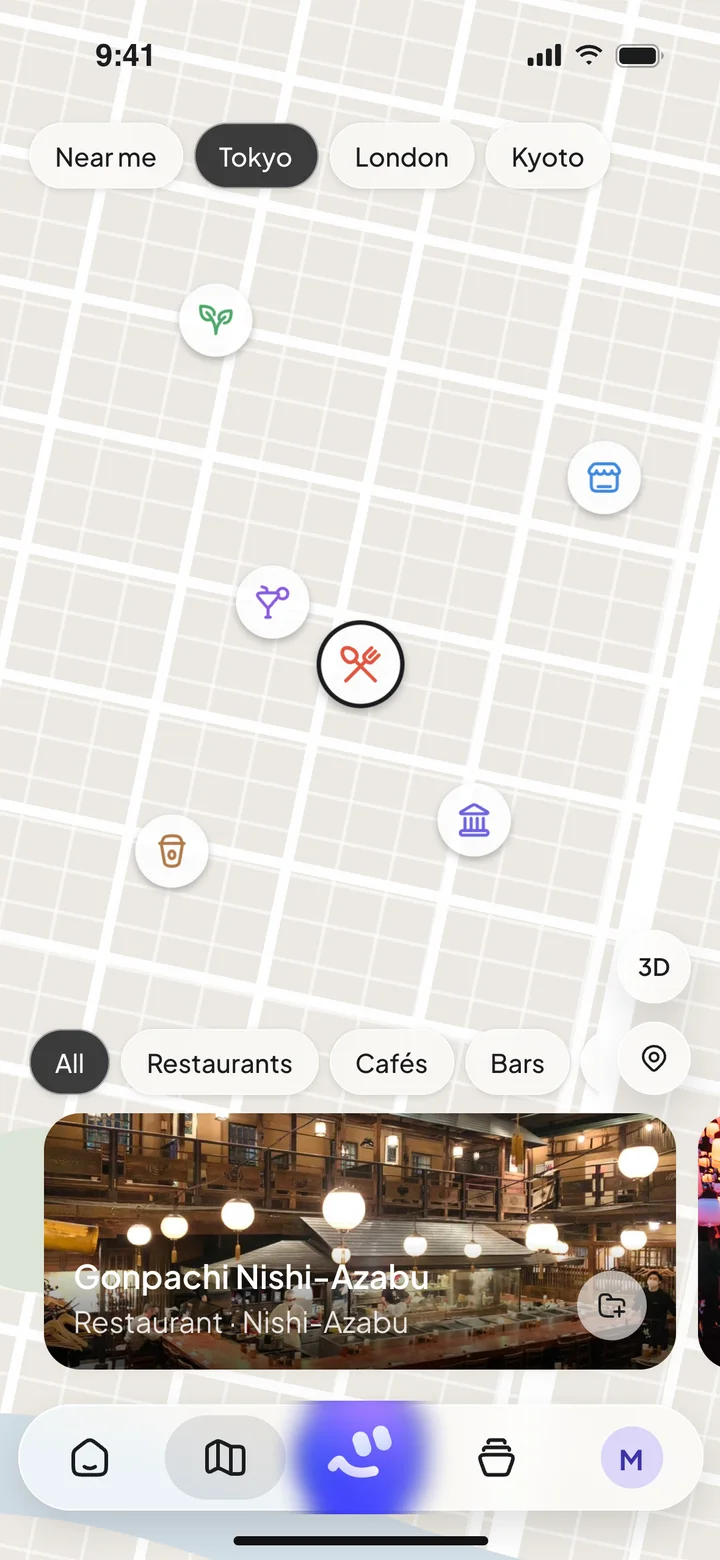
Places

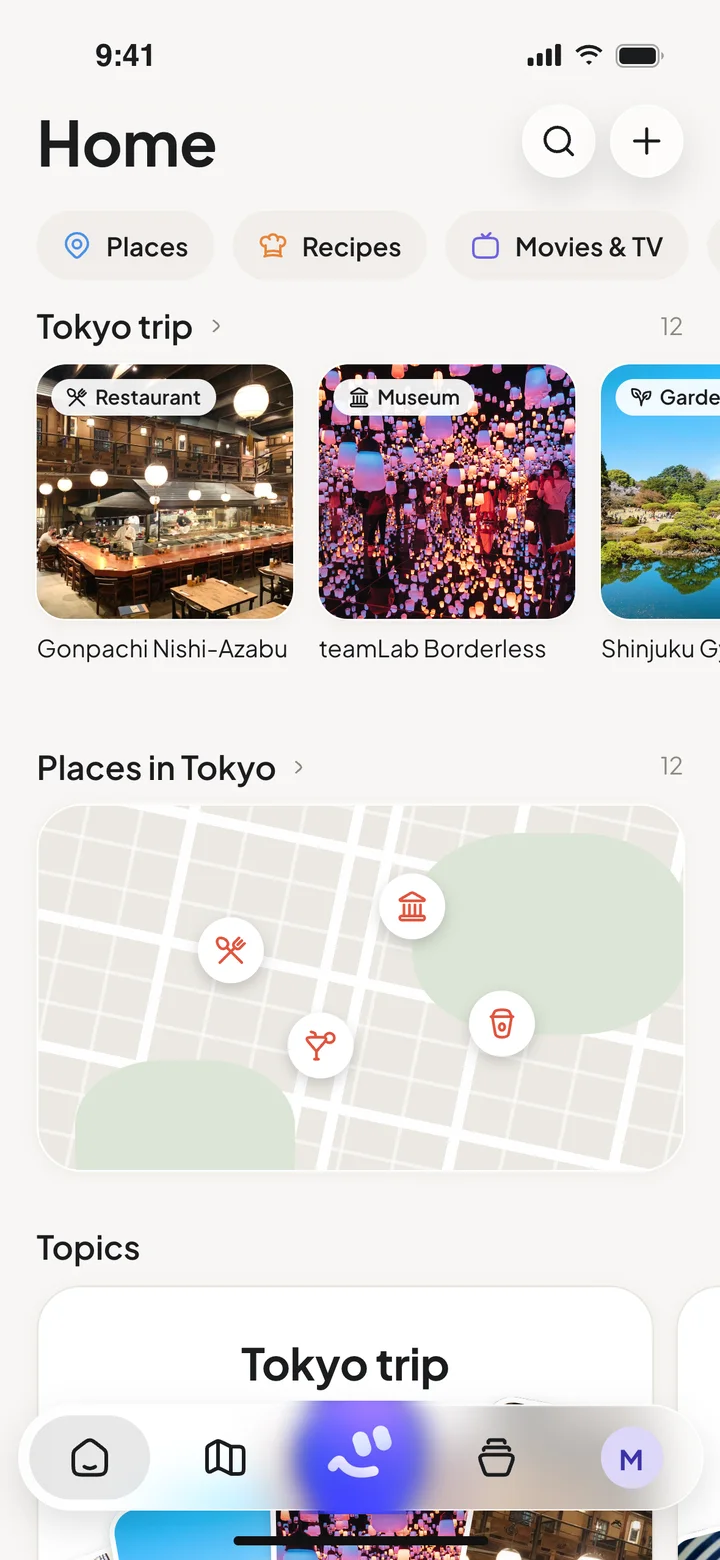
Every place you saved, on one map.

That café from a reel, the restaurant a friend posted, the garden you screenshotted. They all land on the map, so you can find them when you're there.

  • Restaurants, cafés, hotels and sights you've saved, pinned
  • Switch between cities in a tap
  • Open any place for its details
Tokyo · 12 places London · 5 places

Ask Jerry

Ask your own saved world.

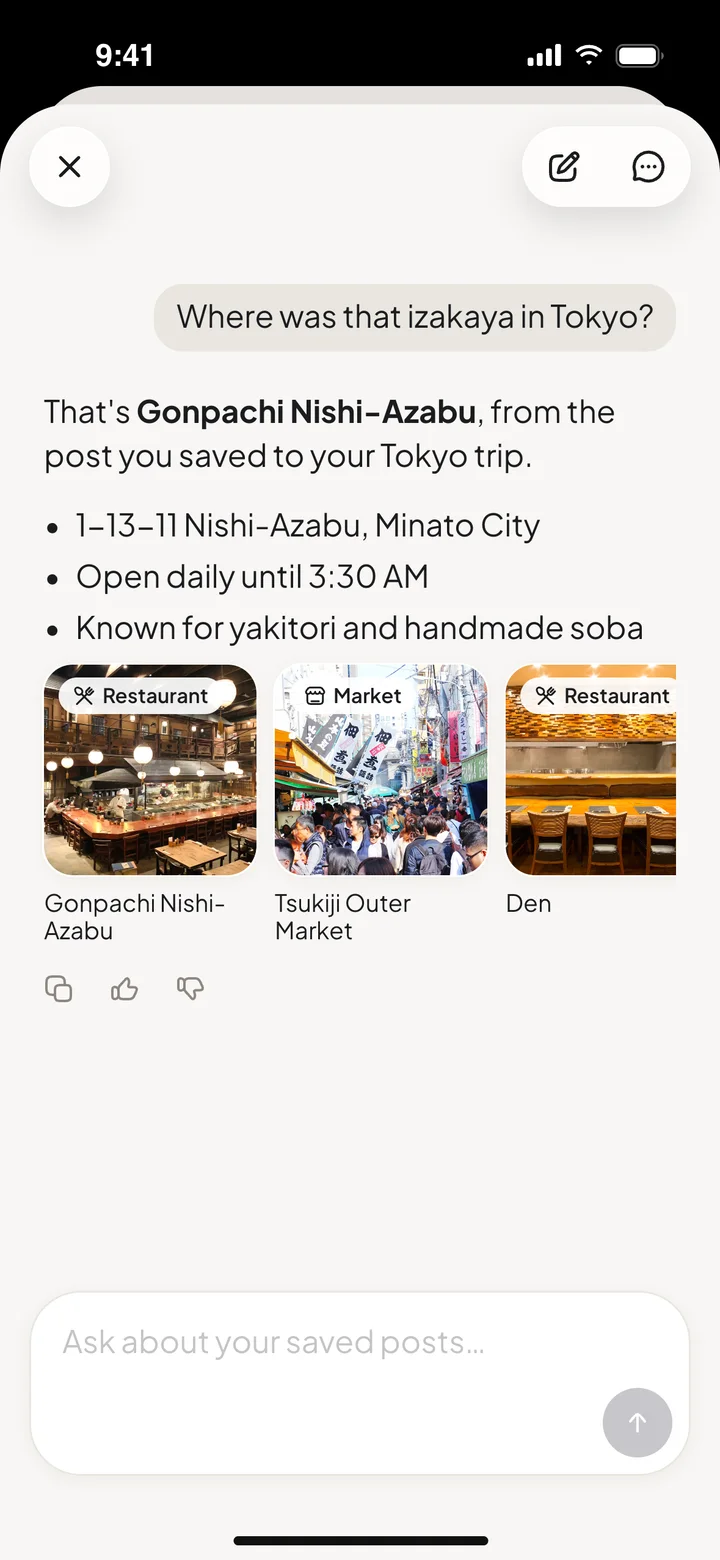
Skip the scroll-back. Ask Jerry about the things you saved and get an answer with the cards to open.

Where was that izakaya in Tokyo?
That's Gonpachi Nishi-Azabu, from the post you saved to your Tokyo trip. Known for yakitori and handmade soba.
Remind me to book it on Friday.
Done. Reminder set.

Made to be used

Your interests, organized without the homework.

Recipes you'll actually cook

Change the servings, tick off ingredients, then flip to the steps.

Topics that keep things together

Make a Topic like “Tokyo trip” or “Weeknight dinners” and keep the right saves in one place.

Reminders, right on the save

Set a reminder on anything you saved, so the plan doesn't stay a plan.

Kew GardensReminder · Saturday, 10:00

ShakshukaReminder · Sunday brunch

Notes in your words

Add a note to any save: who sent it, what to order, why it caught your eye.

NoteAsk for the counter seats. Go before 7, it gets busy.

Questions, answered.

What can I save to Jerry?
Social posts, web links and screenshots. Use the Share button in apps like Instagram, TikTok, YouTube, Pinterest, Reddit, X, Threads, Facebook and LinkedIn, or share a link from your browser.
What does Jerry do with a save?
Jerry looks at what you shared and pulls out the useful part: a place, a recipe, a movie or show, a book, a product, an event, music, a workout or a tip. Each one becomes a card in your library, laid out for what it is.
Can I ask Jerry about my saves?
Yes. Ask a question like “Where was that izakaya in Tokyo?” and Jerry answers from your own saved library, with the cards to open.
How much does Jerry cost?
Jerry is free to download. Pro and Max plans, monthly or yearly, give you more room to save and ask. Subscriptions are managed through your Apple ID: Settings → your name → Subscriptions.
I need help. Who do I talk to?
We're a small team and we read everything. Email erez@jerryapp.io or visit the support page.

A saved post becomes something useful.

Get Jerry for iPhone and give your saves somewhere to go.
Download on theApp Store